Since version 1.12, SENTIENT ANALYTICS supports a variety of languages to ensure a seamless user experience across different regions. Right now, the following languages are supported out of the box, but this list will be expanded over time:
- English
- Spanish
- French
- German
SENTIENT ANALYTICS uses the language you select for a user in SENTIENT. This setting automatically determines the language displayed in SENTIENT ANALYTICS. If SENTIENT ANALYTICS doesn’t support a language, it will default to English. Also, you can add new translations or customize existing ones to fit your needs.
To modify or add translation for another languages follow next steps:
-
Open the Custom Translation tab from the White Labeling menu.
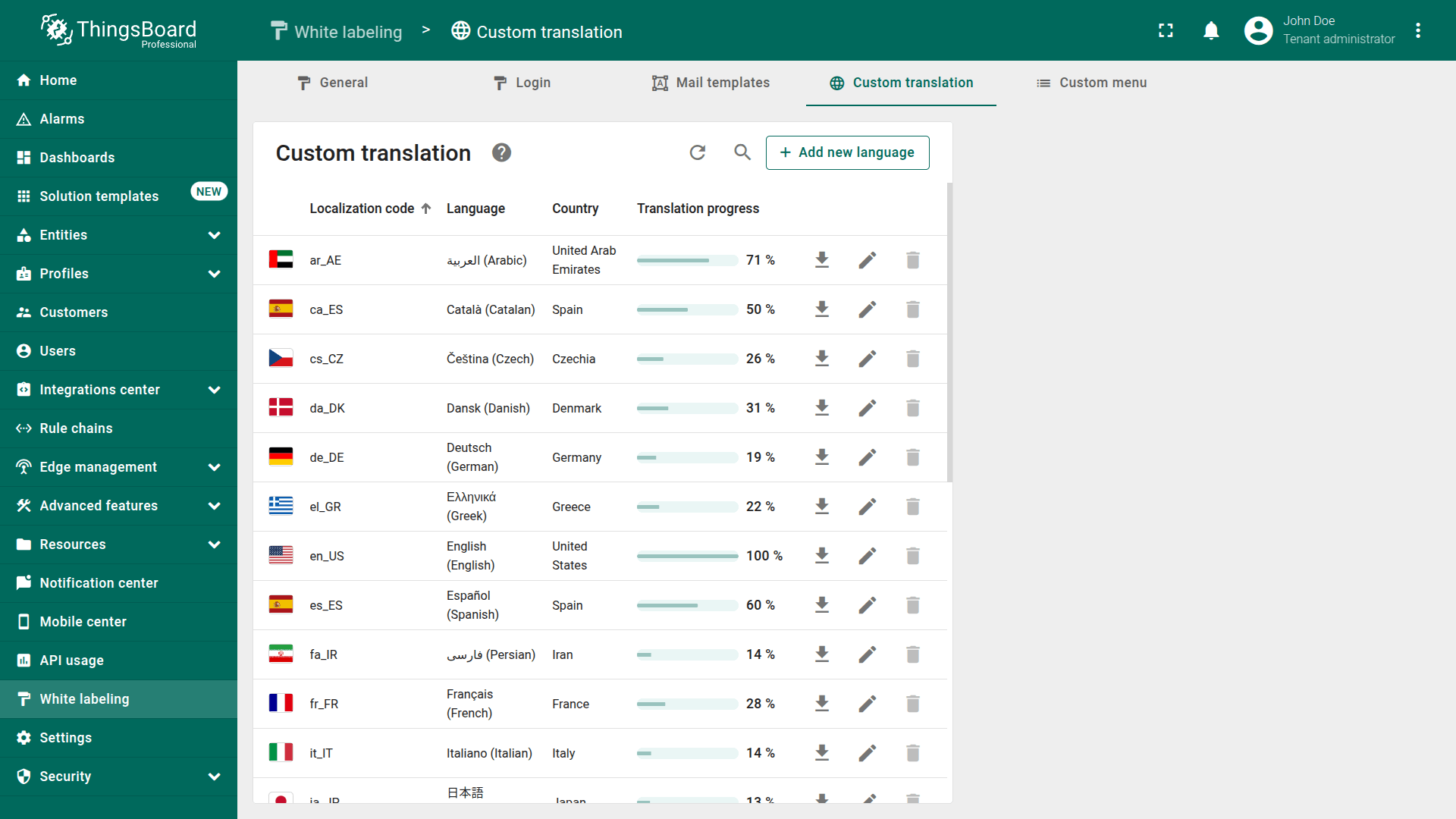
- Choose the language that you want to modify and open Advanced tab.
- View and manage translation keys. SENTIENT ANALYTICS relies on a predefined set of translation keys, which are available in this repository. To customize these keys, locate the JSON file for the desired language in the repository,
copy it, and append to the translation available in Advanced tab under the Custom Translation menu. Then, modify the values of the keys as needed to adapt the interface to your requirements.
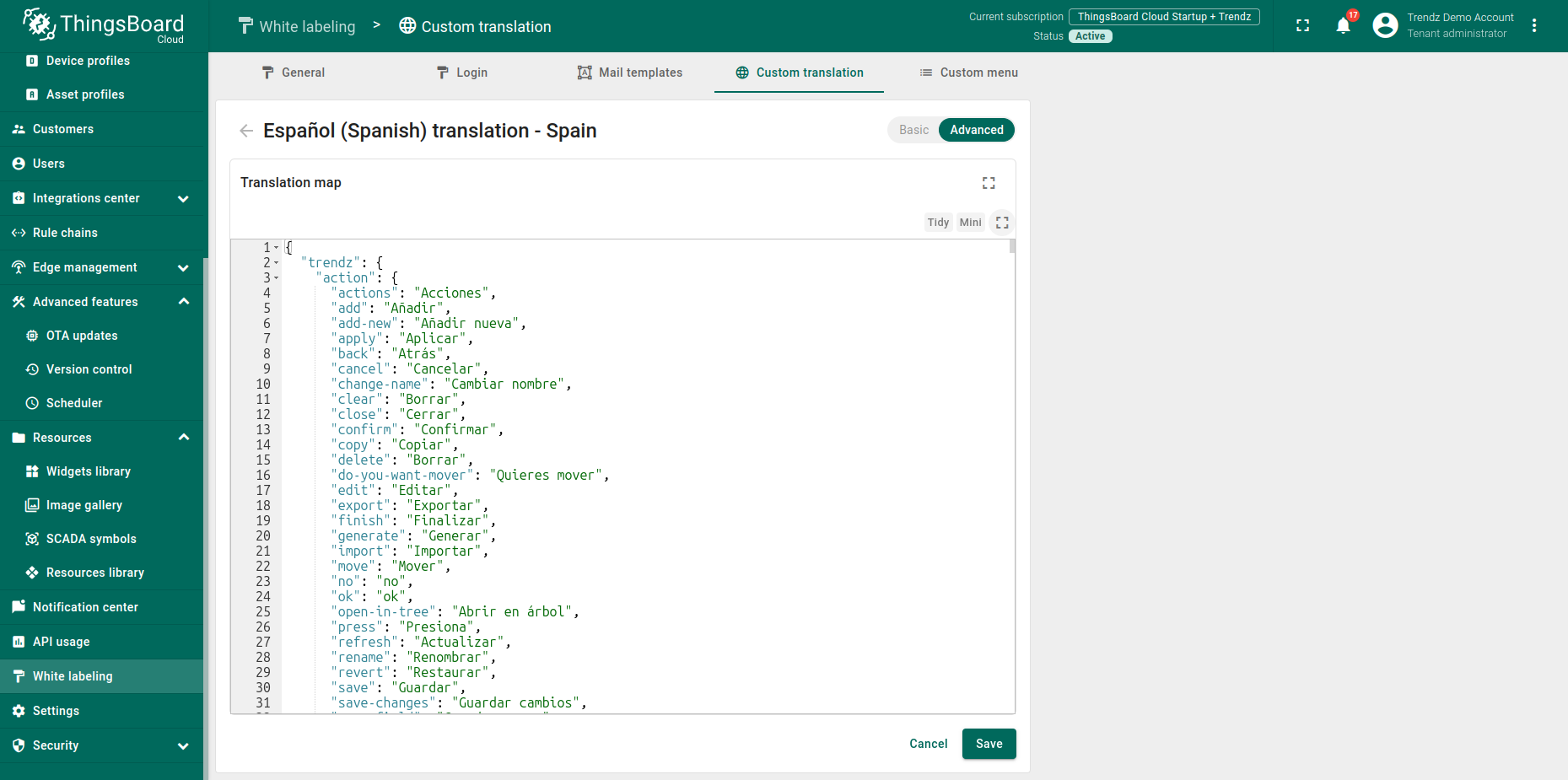
- Once you’ve entered or updated your translations, save your changes and refresh your SENTIENT ANALYTICS instance to apply them.